← HueG

iPadiPhoneGraphics & Design

HueG

A minimalist drawing app. A few tools and a small palette, so every stroke counts.

Download on theApp Store ★★★★★ 5.0 · 4 ratings
$3.99 · 1.9 MB · Family Sharing

Simple tools that do surprising things.

No layers, no brush library, no menus to dig through. Pick a colour, pick a mode, and draw. HueG turns each stroke into a wave, a mirrored pattern, a shape or a line snapped to a grid.
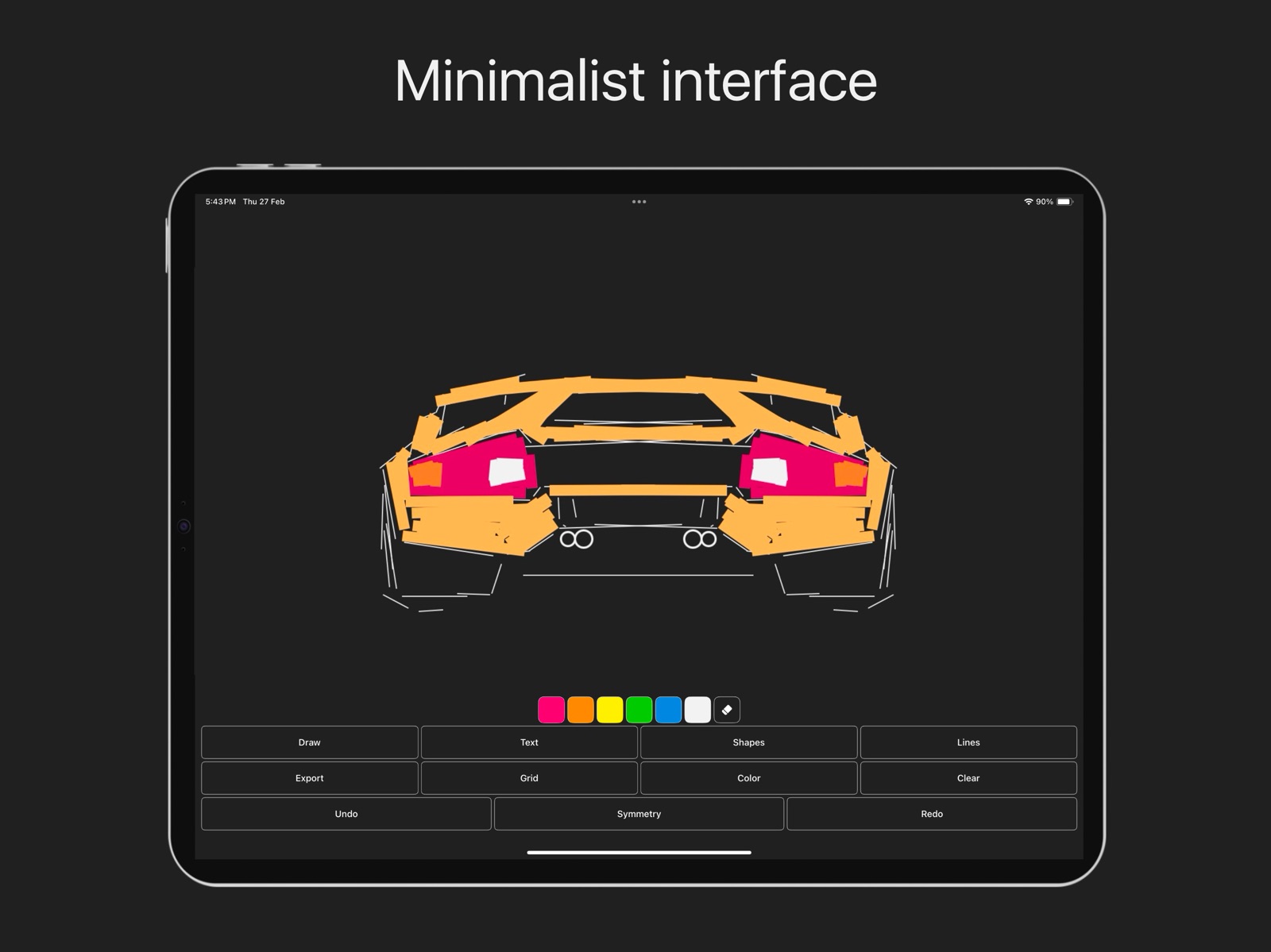
HueG on iPad: a sports car drawn in orange, pink and white, with the main buttons below

Nine buttons and six colours. Everything you need, nothing you have to hunt for.

DrawTextShapesLinesGridSymmetryExport
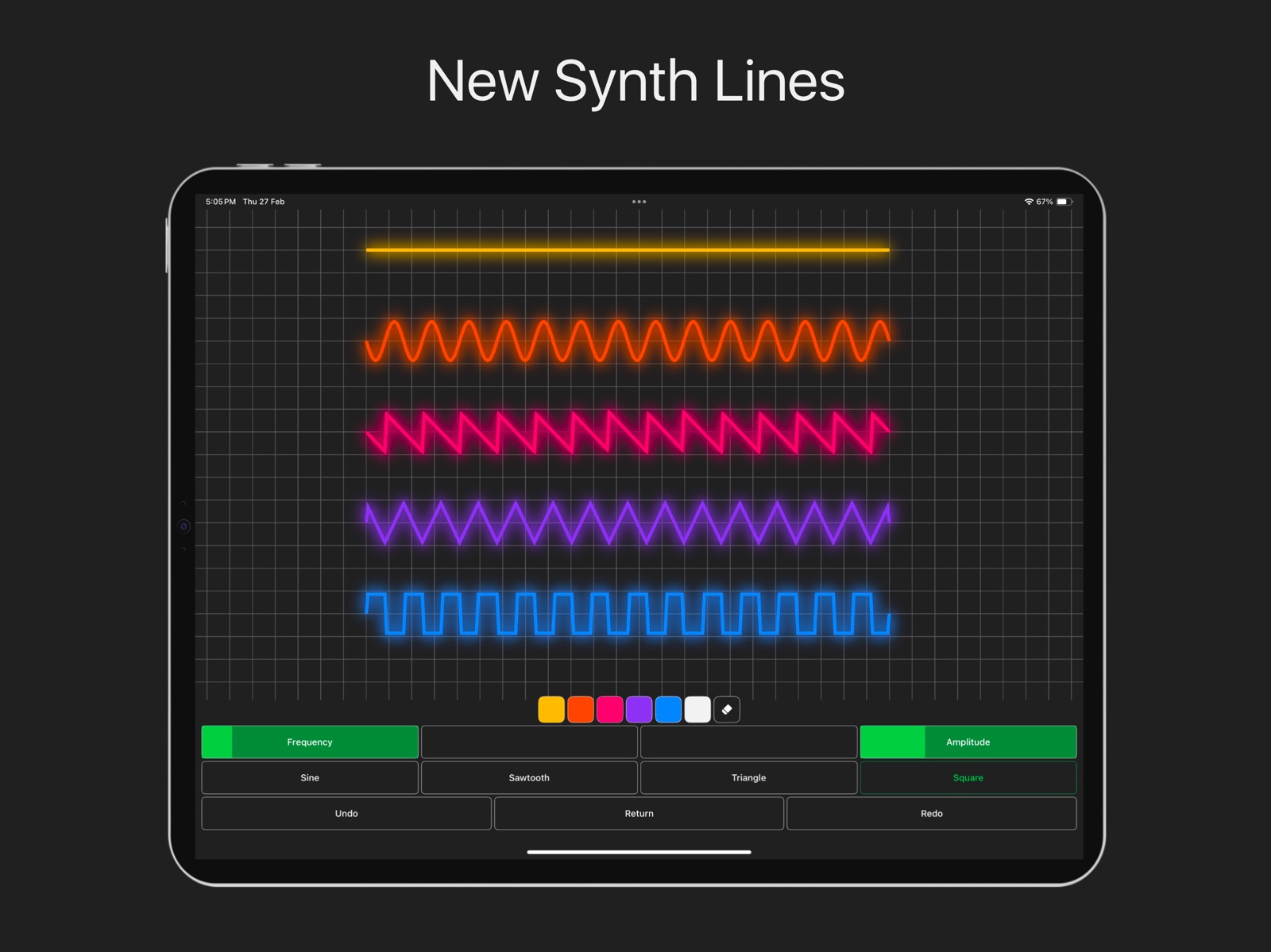
HueG on iPad: five glowing synth lines on a grid, flat, sine, sawtooth, triangle and square

Synth lines turn every stroke into a wave. Set the frequency and amplitude, then pick the shape.

SineSawtoothTriangleSquareFrequencyAmplitude
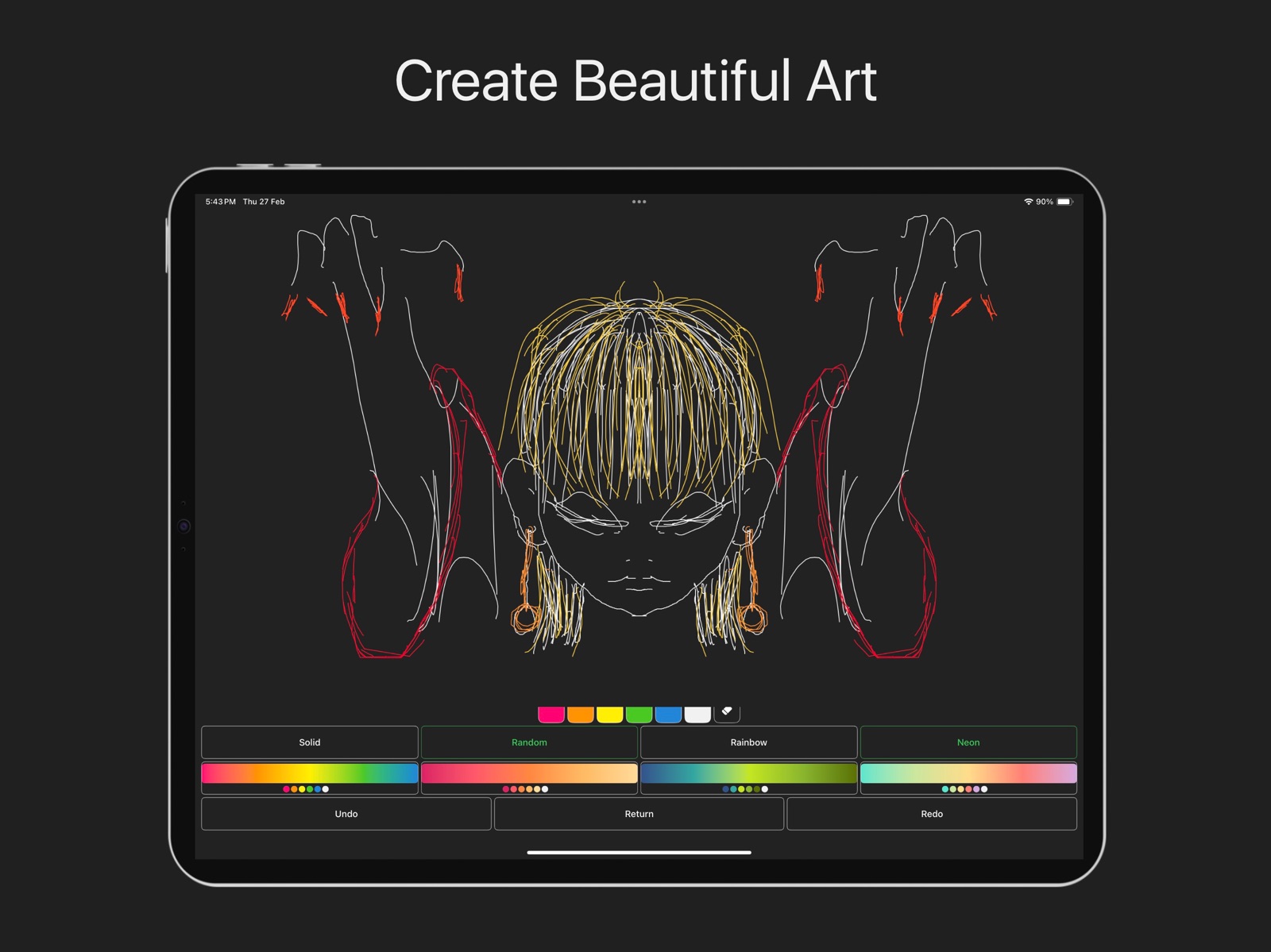
HueG on iPad: a mirrored line drawing of a face and raised arms in white, gold and red

Mirror a drawing with symmetry and colour it with a single tap of a palette.

SolidRandomRainbowNeon
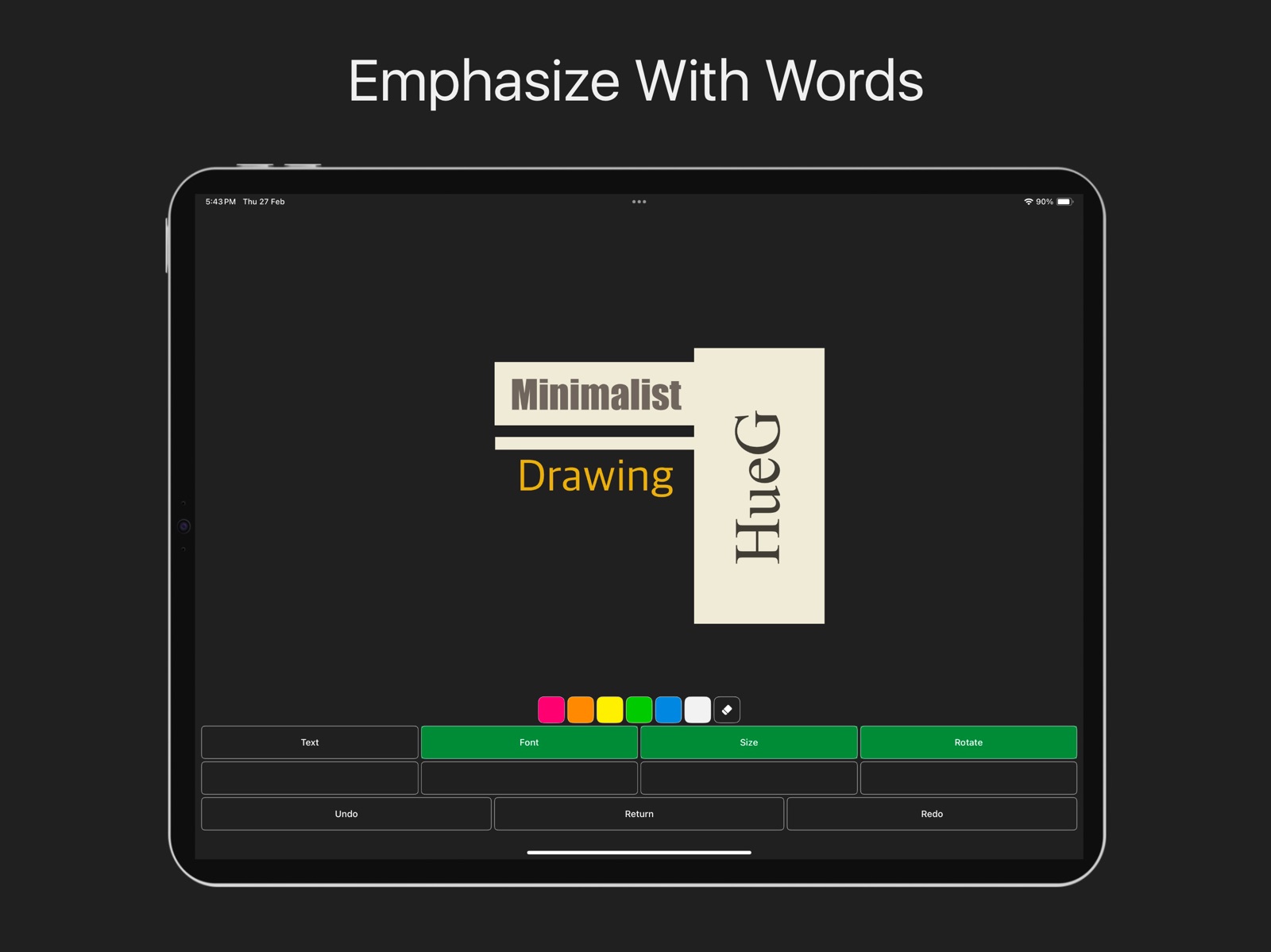
HueG on iPad: the words Minimalist Drawing and a rotated HueG title set on cream blocks

Add words to a drawing, then change the font, size and angle.

TextFontSizeRotate

Limits spark ideas.

Each mode gives you five colours, white and an eraser. With fewer choices you stop tweaking and start drawing: quick sketches, abstract pieces, backgrounds and patterns you would not have tried otherwise.

“Deserves more attention, because of how underrated this is.”ALYo_27, App Store review
Data Not Collected

Privacy

HueG does not collect any data. Your drawings stay on your device unless you choose to share them.

Read the full privacy policy

Get HueG

Version 2.3.22. For iPhone and iPad, requires iOS 26 or later. One purchase, shared with up to six family members.

View on the App Store

Questions or bug reports: hueg@the7mirrors.app